
Key takeaways
- Amazon branded listing contributions: fix guide
- What branded listing contributions are
- Keyword suppression notes
Table of contents
Amazon branded listing contributions: fix guide
Short answer: Amazon branded listing contributions are shared catalog edits on a detail page - when other sellers or Amazon systems override your content, brand owners usually fix it with Seller Central edits, Brand Registry tools, documented catalog cases, and careful flat-file updates. Related for search suppression: Amazon suppressed listings fix. Related for broader seller issues: Amazon seller issues and solutions. Related: Amazon store optimization guide, Amazon account management, free Amazon audit.
Brand Registry enrollment and catalog outcomes vary by marketplace. No case language guarantees an override.
What branded listing contributions are
Amazon's catalog can accept product data from multiple contributors on the same ASIN. Even brand owners may see edits that do not stick if Amazon accepts another contribution. Effects sellers notice: title/attribute drift, missing bullets, backend search-term gaps, or suppressed visibility when policy flags appear.
Problem map
| Issue | First response |
|---|---|
| Blocked edits | Confirm Brand Registry status; re-edit; wait for Amazon refresh |
| Live page reverts | Compare Seller Central draft vs live PDP; document diffs |
| Keyword / indexing gaps | Remove restricted terms and duplicates; retest search |
| Contribution limits | Pause spammy re-edits; open a documented catalog case |
| Flat-file failures | Fix processing-report errors; simplify attributes; re-upload |
Resolve path
- Diagnose: Manage Inventory → compare your content to the live detail page; note title, bullets, images, attributes, and backend search terms
- Edit once cleanly: Inventory → Edit Listing → save compliant updates; monitor for Amazon's refresh window
- Brand Registry tools: Where enrolled, use catalog / brand content paths Amazon provides; report unauthorized changes with evidence
- Catalog case: Open Seller Support with brand ownership proof (trademark docs, packaging, official site) helpful, not guaranteed
- Escalate carefully: Request catalog or Brand Registry review only after a complete evidence package; avoid gimmick "urgent override" phrasing as a magic fix
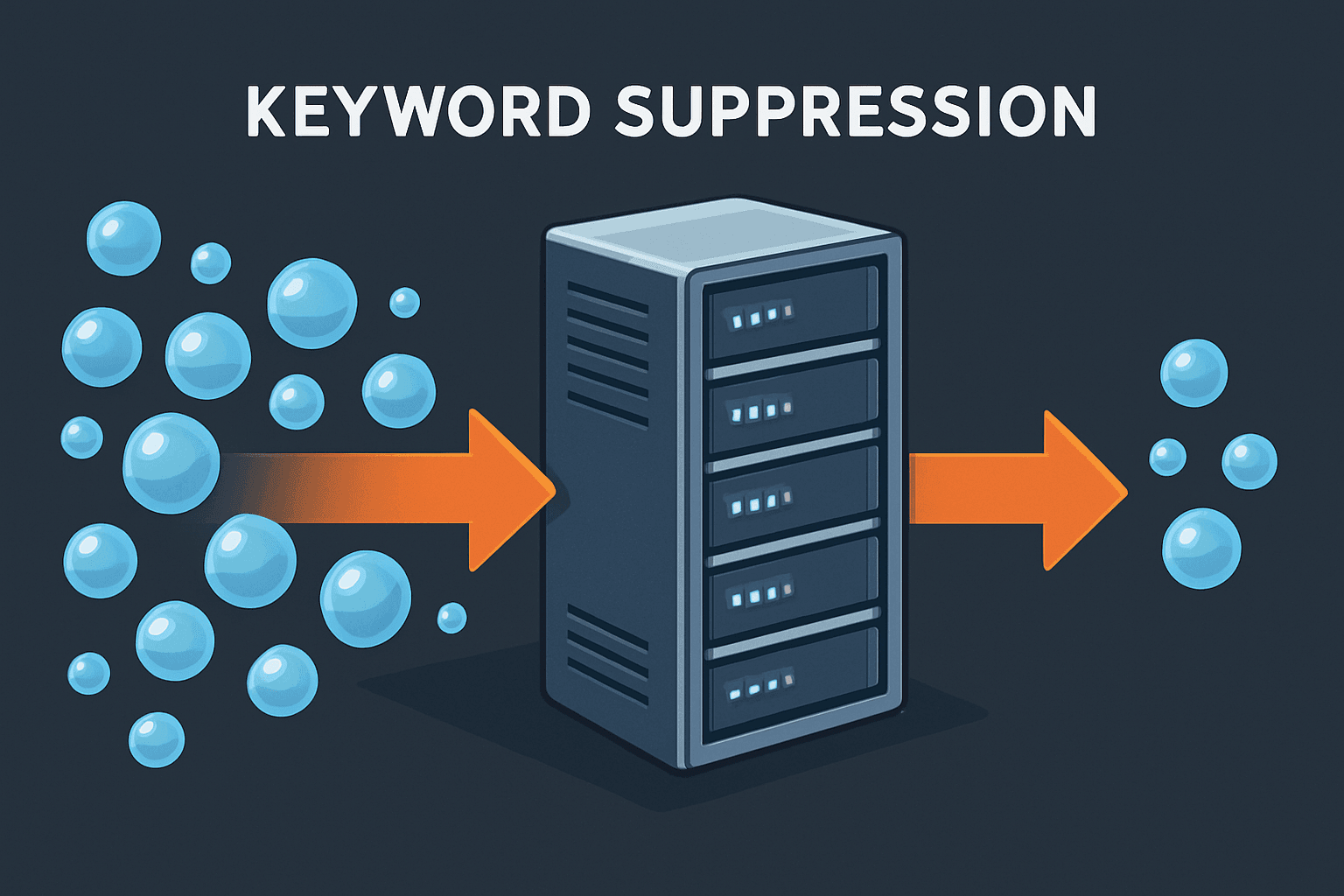
Keyword suppression notes
Common triggers: restricted claims, keyword stuffing, duplicate backend terms. Practice: rewrite titles/bullets for compliance; clean backend search terms; retest with live search. Byte limits and indexing behavior change - confirm current Seller Central guidance. Third-party index trackers can help monitoring; they do not force Amazon to restore terms.
Flat-file updates
- Download the correct category template from Seller Central
- Update title, bullets, description, and search terms carefully
- Upload and read the processing report before assuming success
- Flat files help bulk corrections; they do not automatically "win" brand disputes
Brand-control habits
- Keep Brand Registry and trademark docs current
- Use A+ / brand content paths when eligible - claim: can strengthen brand presentation; not a guaranteed contribution lock
- Keep case logs and before/after screenshots
- Weekly audit: titles, bullets, and key search terms still match your approved version
- Prefer official product imagery and packaging proof in disputes
Prevention
- Enroll in Brand Registry before scaling new ASINs when eligible
- Prefer brand-owner content paths over repeated open contributions when Amazon offers them for current UI labels
- Avoid blacklisted claims that invite suppression
- Keep a flat-file backup of approved listing copy
- Monitor new ASINs for unauthorized edits after launch
Bottom line
Resolving Amazon branded listing contributions is documentation and process work, not a one-click override. Treat "pro tips that fix errors faster" marketing as unverified; follow Brand Registry and Seller Central paths for your marketplace.
Request a free Amazon audit or contact eCom Gliders for Amazon growth support.
About the author
Mary
Content Specialist
Mary writes practical Amazon seller guides covering PPC, SEO, listing optimization, and account management.
Keep reading


